
Last updated: September 26, 2026
Solo Draw and Guess the Doodle: Practising on Your Own
Two things to do when nobody else is online — and a way to turn them into practice that shows up in your next real game.
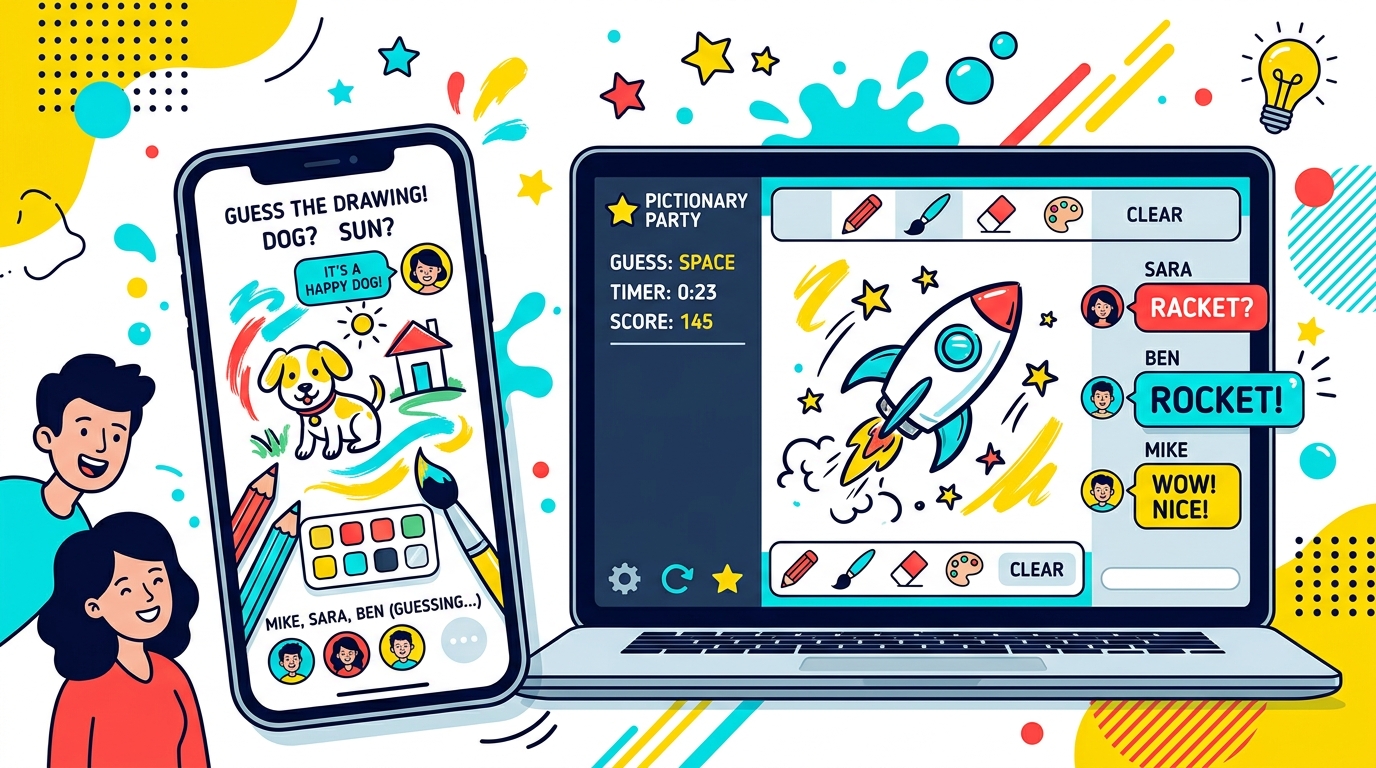
Multiplayer needs at least two people. When you are on your own, there are two modes: Solo Draw, where you draw a random word, and Guess the Doodle, where you guess drawings other players have made. Neither needs an account.
Solo Draw: what you get
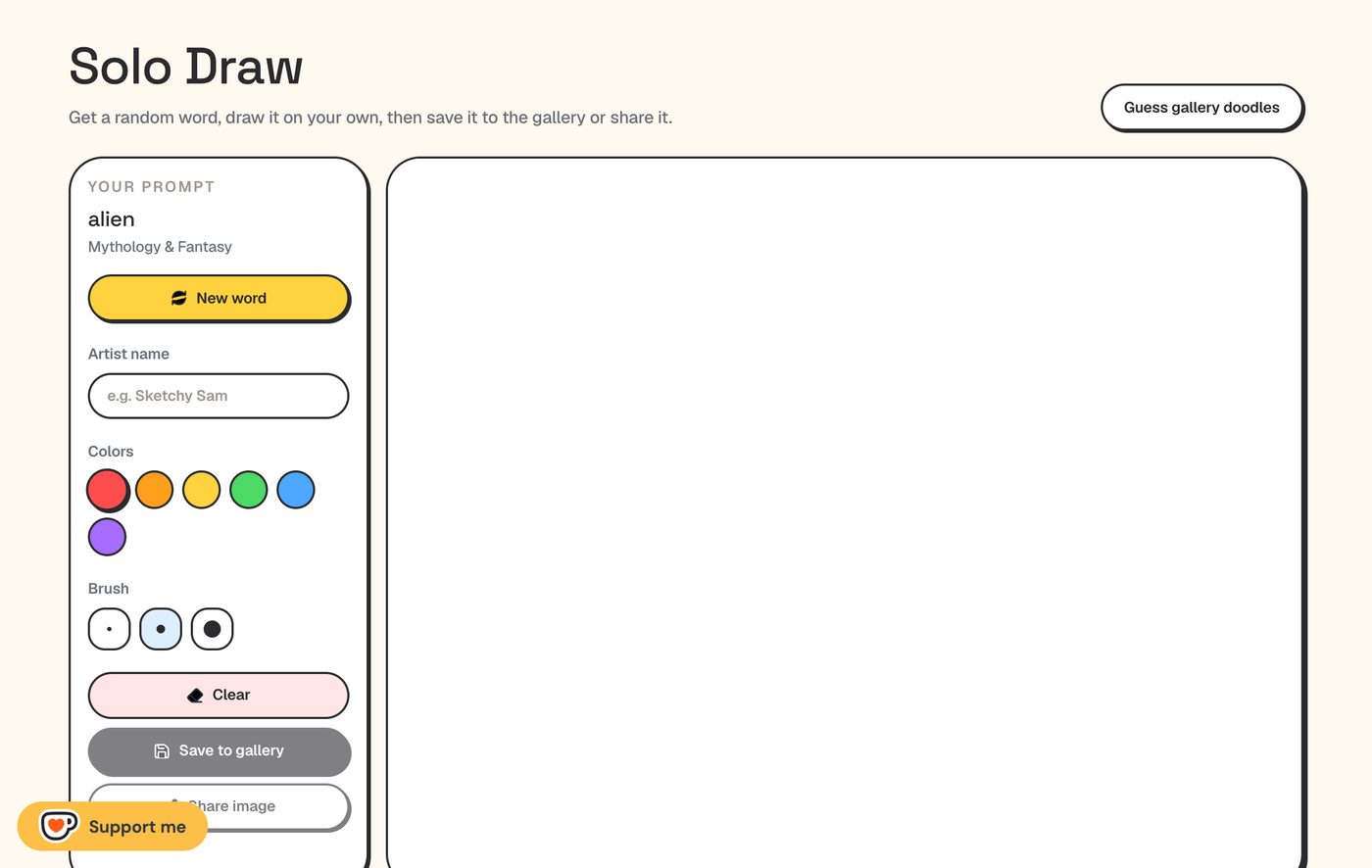
- A random word from the official list, with its category. “New word” gives you another at any time.
- A simpler toolbox than multiplayer: six colors, three brush sizes and Clear. There is no undo, eraser or fill here.
- No timer and no score. Nothing happens if you take ten minutes.
- Save to gallery publishes the drawing in the public Gallery under the artist name you type. Until you press it, nothing leaves your browser.
- Share image opens your device’s share menu, or downloads a PNG if sharing is not available. It does not upload anything.
Before you press “Save to gallery”
- The Gallery is public and shows the artist name — use a nickname you are happy to have online.
- The word is not shown next to your drawing, because Gallery drawings are also used in Guess the Doodle.
- You can delete it later: open the Gallery in the same browser and your drawings have a Delete button. On another device, email the address on the About page.
- Other visitors can report drawings; one reported from 3 different networks is hidden automatically.
Guess the Doodle: the reverse exercise
Guess the Doodle shows a random drawing from the Gallery. You have three tries; after that, or if you give up, the answer is revealed and you move on to the next one. Consecutive correct answers build a streak, and answers are accepted in any of the nine supported languages.
It is more useful than it looks. Noticing which drawings you get instantly — and which ones you stare at — teaches you what makes a drawing readable faster than drawing does.
Three practice drills
Short exercises that carry over to multiplayer, where you have at most 80 seconds:
Drill 1 — the ten-second outline.
- Open Solo Draw and set a ten-second timer on your phone.
- Draw only the outline that would identify the word. No shading, no background.
- Press Clear, then New word, and repeat five times.
Most words have one shape that does the work — a cat’s ears and whiskers, a house’s triangle roof. Finding it in ten seconds is the core skill of the game.
Drill 2 — the pick decision.
Press New word ten times in a row, and for each word decide within two seconds: easy, medium or hard to draw? In a real game you choose between words with a 15-second clock, and practising the decision makes it automatic.
Drill 3 — ten guesses, then one drawing.
Play ten rounds of Guess the Doodle. Note the drawing you guessed fastest and the one you missed. Then draw the word you missed in Solo Draw, fixing whatever made it hard to read.
What solo practice cannot teach
Solo Draw has no clock, no audience and no chat. The hardest part of a real game — reading wrong guesses in the chat and adjusting the drawing while the timer runs — only exists in multiplayer. Use solo practice for outline speed and word choice, then play a short private game with a friend to put it together.